A Complianz alternative.
Considering Complianz alternatives? Compare the website workflows, integrations and product scope that matter to your team.
QookieQloud and Complianz, compared.
This comparison focuses on the Complianz WordPress plugin. Complianz also has a separate Shopify offering; its features should be evaluated separately.
| What matters | QookieQloud |  Complianz Complianz |
|---|---|---|
| Administration | Manage connected websites through the QookieQloud platform and its integrations. | The WordPress suite runs locally with data stored on your server. Source for Administration |
| Discovery and setup | Public audit and AI-assisted category suggestions with confidence and reasoning. | A cookie scan helps prefill its setup wizard; Cookiedatabase.org supplies cookie and service descriptions. Source for Discovery and setup |
| Service configuration | Configure consent settings and test your tags through the relevant integration. | Includes a Script Center, service integrations and content placeholders. Source for Service configuration |
| Scope | Website consent tools with native integrations for WordPress, Statamic and Shopify. | The WordPress suite also offers privacy-document tools; availability depends on the edition. Source for Scope |
| Installation | WordPress and Statamic connect in one click with no API key to copy. Shopify and custom JavaScript installations are also available. | Primarily delivered through a WordPress plugin, with additional setup paths depending on the website stack. Source for Installation |
| Privacy Rights & DSR | Integrated visitor portal in the banner for access (Art. 15), rectification (Art. 16) and erasure (Art. 17) with cloud zero-retention (Premium). | Paid WordPress plans include consent records and data request processing. Compare the request workflow and administration with your requirements. Source for Privacy Rights & DSR |
Features and limits depend on the plan and can change. This comparison covers selected workflows, not every capability. Competitor names belong to their respective owners; no affiliation or endorsement is implied.
Sources & further reading
For teams working beyond one website stack.
Consider QookieQloud when your client portfolio includes Statamic, WordPress, Shopify or custom websites and you want explained cookie category suggestions. Review consent choices and export records for your team. Premium also includes a visitor portal for requests to access, correct or erase data.
Complianz is a strong fit to assess if local WordPress administration, self-hosted consent data or its document tools are requirements. Check these before moving to a hosted platform.
Automatic classification, review when needed
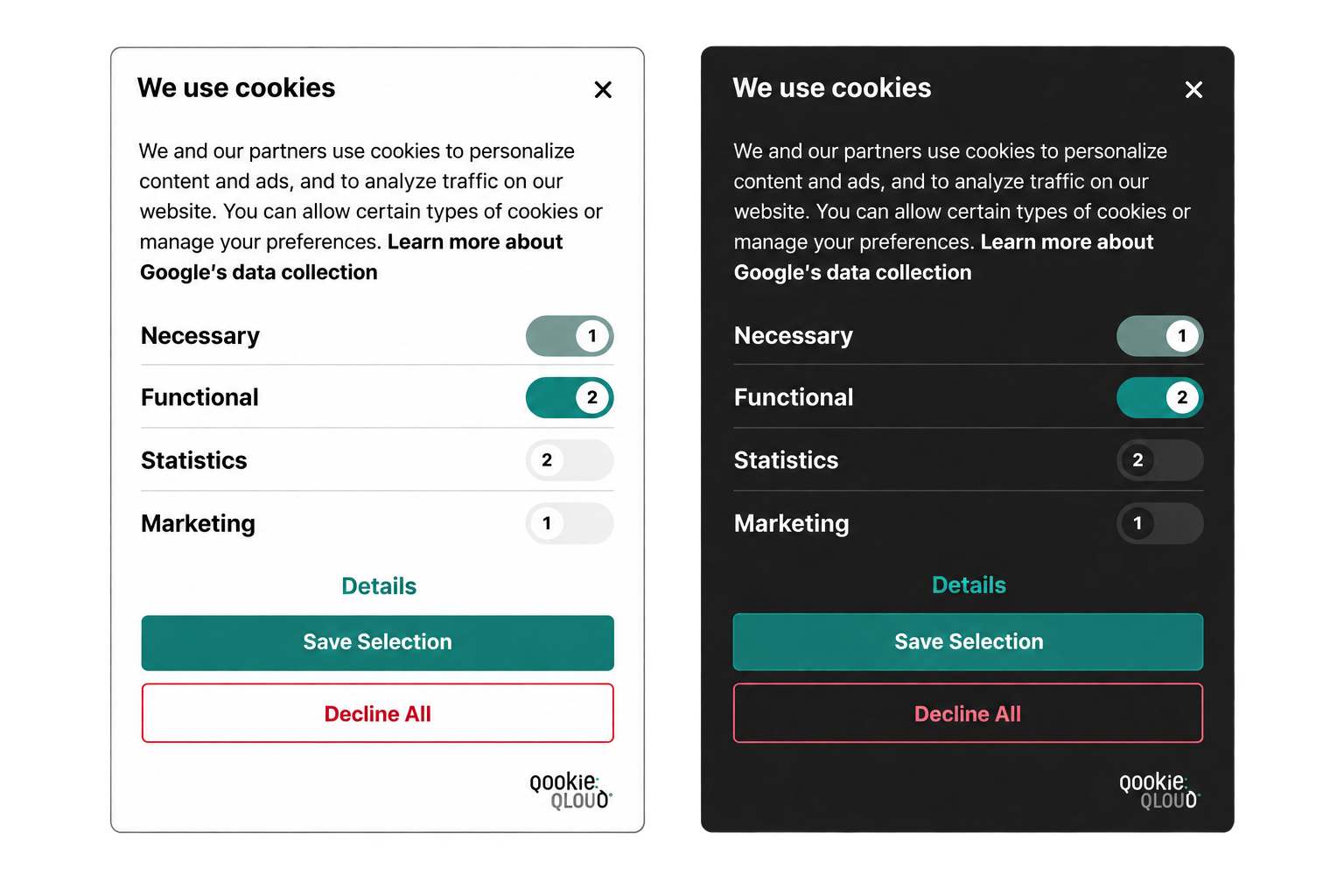
Categories can be accepted automatically when AI confidence is high enough or enough consistent reviews across websites support the same category. Suggestions that need review show confidence and reasoning to help you decide.
See how classification works →A native path for Statamic
Connect a Statamic website through the QookieQloud addon. WordPress, Shopify and custom JavaScript installations are also available.
See the Statamic integration →Built around your client work
Apply for a partner account to manage customer websites. Keep your client relationship, set your own service pricing and handle customer billing.
Explore partnerships →Plan your switch.
Treat the move as a new installation, with time to test your consent settings.
Review your current setup
Record your cookie categories, tag triggers, banner settings and integrations. Retain any records you need before changing providers.
Prepare QookieQloud
Create your account, add your domain and configure the relevant integration. Test on staging before replacing the existing banner.
Test before going live
Check accept, decline and category choices, including how tags respond. Remove the old CMP at cutover so two banners do not run together.
Questions about switching.
Practical answers before moving your website to QookieQloud.
Can I try QookieQloud before replacing my current banner?
Yes. Start with the free public scan without installing QookieQloud. Connecting the consent platform is a separate step.
Will my settings and consent records transfer automatically?
Do not assume they will. Plan to configure QookieQloud and retain any records you need from your current provider. Check your specific migration needs with our team.
Do I need to review every AI cookie classification?
Not every classification needs manual approval. Cookie categories can be accepted automatically when AI confidence is high enough or enough consistent reviews across websites support the same category. Suggestions that need review show a confidence level and reasoning to help you decide.
Other comparisons
See how QookieQloud compares with other consent platforms.
Cookie Information
Compare automatic consent operations, CMS integration and bundled analytics.
Compare with Cookie Information →
Cookiebot
Compare page-based plans, recurring scans and how your team reviews cookie findings.
Compare with Cookiebot →
CookieFirst
Compare periodic scanning, cookie policy updates and your day-to-day review workflow.
Compare with CookieFirst →
CookieYes
Compare cookie discovery, plan limits and the workflow behind your consent banner.
Compare with CookieYes →
iubenda
Compare website consent management with an integrated policy and privacy toolset.
Compare with iubenda →
OneTrust
Compare website consent workflows, advanced scanning and the scope of your privacy setup.
Compare with OneTrust →
Termly
Compare a dedicated consent workflow with a suite that also generates legal policies.
Compare with Termly →
Start with your own website.
A free scan gives you a starting point before choosing your consent platform.