AI cookie classification and manual review
Learn when cookie categories are accepted automatically, how to review AI suggestions and how to correct a category for your website.
Read guidePractical guides, integration setup and FAQs. Everything is also searchable right from the top bar when logged in to QookieQloud Admin.
Deploy privacy-first cookie consent, automatic tag blocking, and Google Consent Mode v2 to any website, framework, or CMS with a single asynchronous script. For agencies, a partner account brings customer accounts and websites together across supported platforms.
Install a storefront consent banner through a native Shopify theme app extension and manage privacy compliance effortlessly in QookieQloud. For agencies, a partner account brings customer accounts and websites together across supported platforms.
Connect Statamic to QookieQloud in a few clicks. Choose your domain, approve the connection and manage your cookie banner from the control panel. For agencies, a partner account brings customer accounts and websites together across supported platforms.
Add automated cookie scans, widget banners, consent tools, and Google Consent Mode v2 directly to WordPress sites. For agencies, a partner account brings customer accounts and websites together across supported platforms.

DSR now supports identifiers that fit your business. Keep the options you use, add your own and give visitors a simpler form.
Read update
Premium now suggests cookie banner colors from your website. Preview the palette, adjust it and save when you are happy with the result.
Read update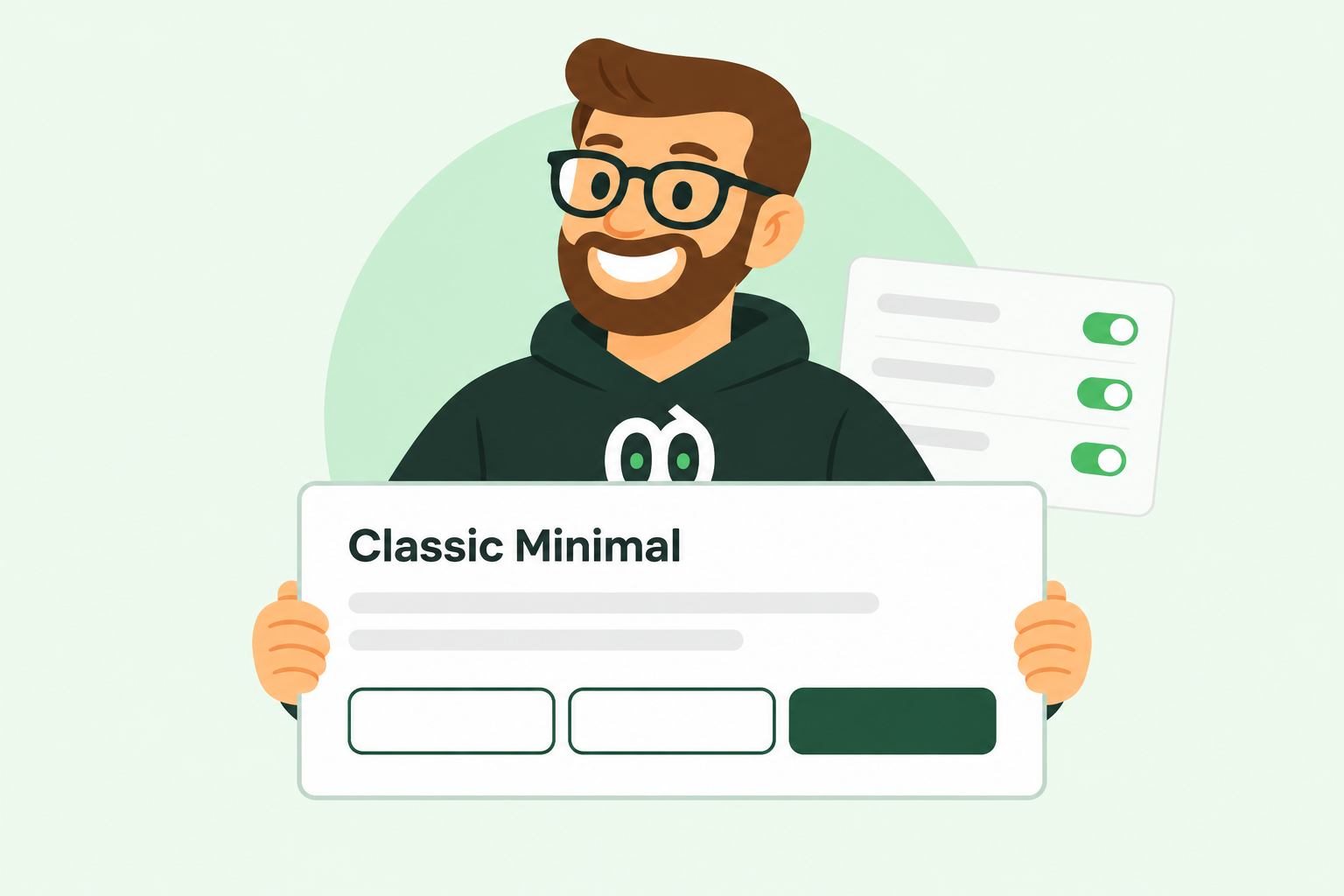
A simpler first view for your cookie banner, clearer cookie details and thoughtful improvements to the settings dialog.
Read update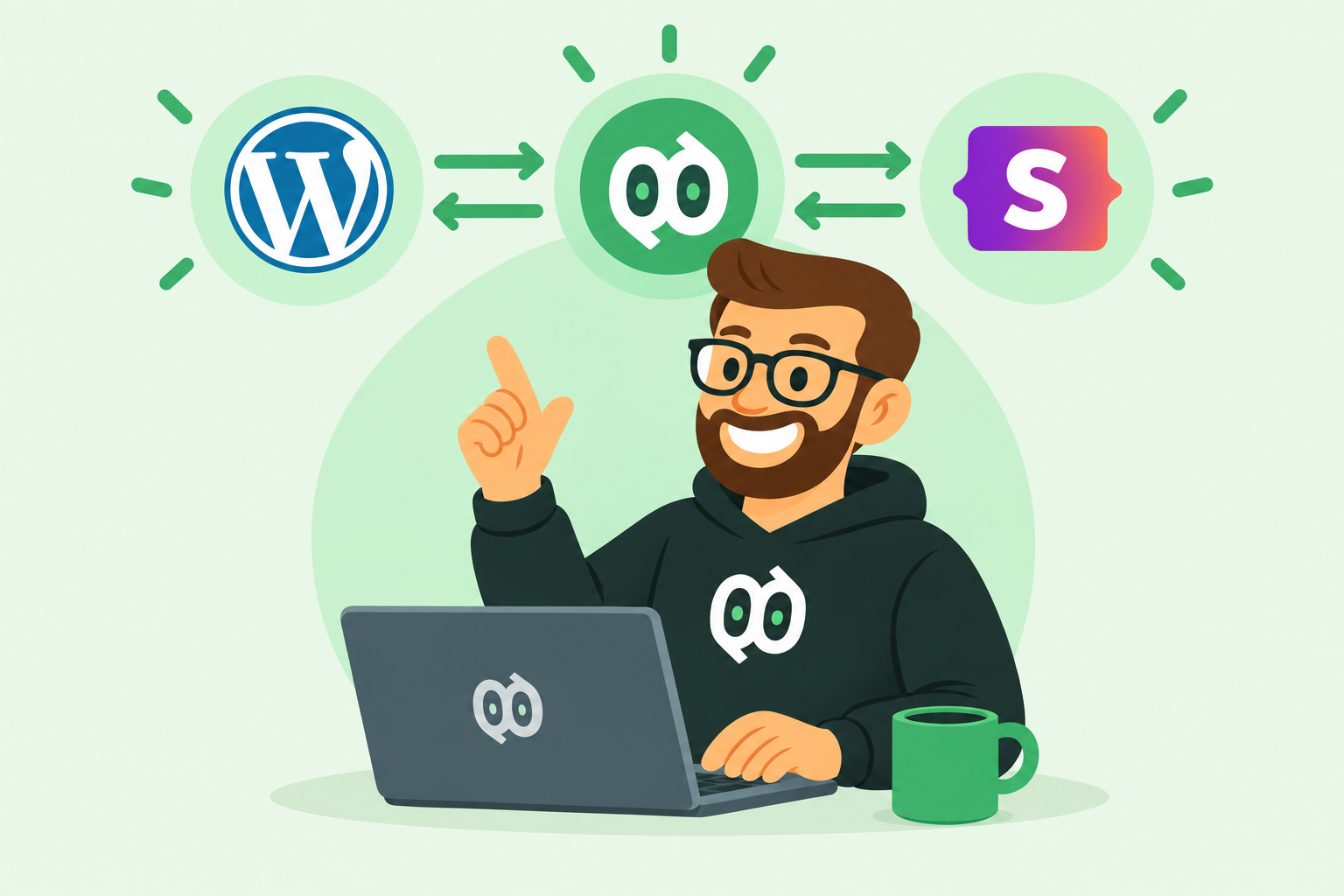
API v2 is available for WordPress, Statamic, Shopify and Custom JS. Connect your integration or install the v2 script with a public Site Key.
Read update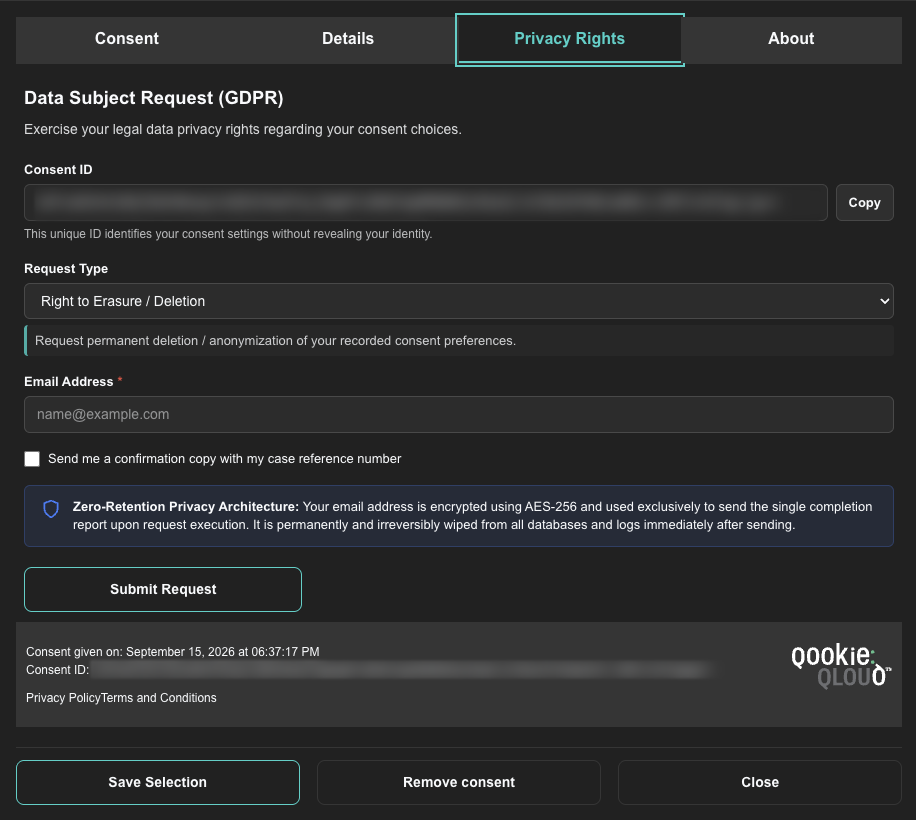
Introducing integrated GDPR Data Subject Requests (DSR) in QookieQloud. Enable visitors to request data export, rectification, and erasure with automated zero-retention resolution.
Read update
Celebrate the new QookieQloud experience with 50% off Premium for your first three months.
Read update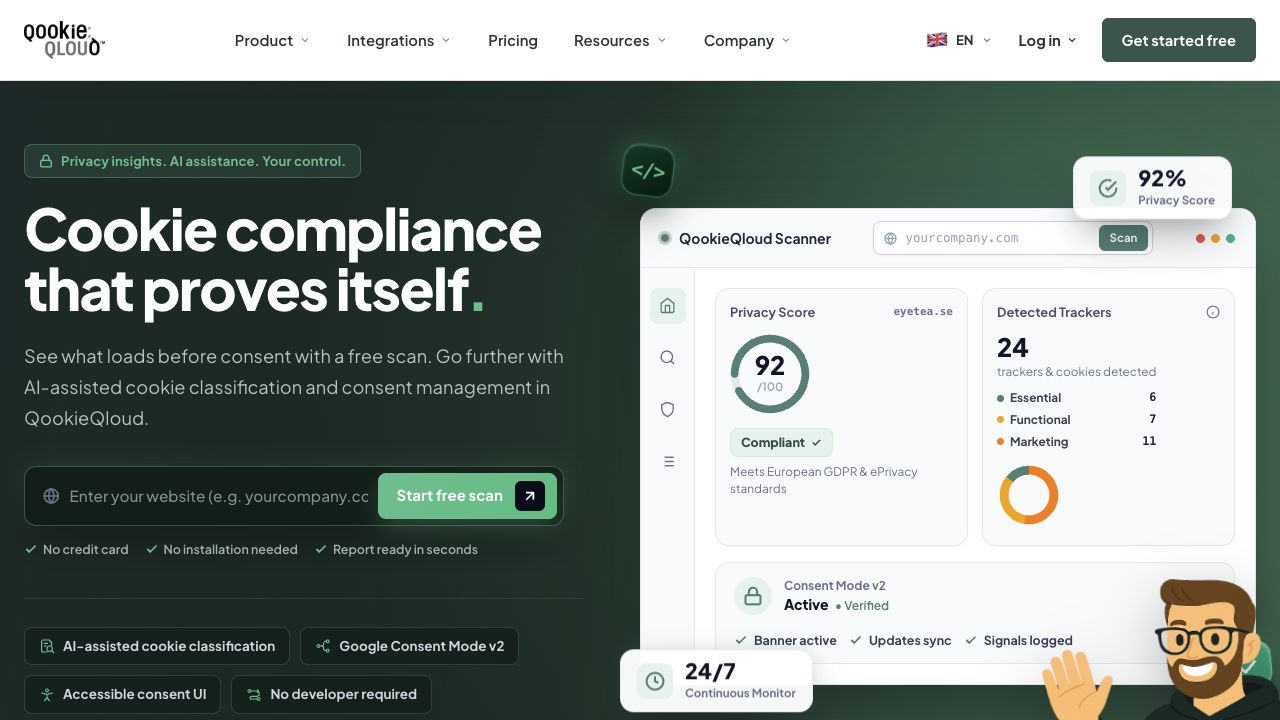
A clearer introduction. More practical resources. Now in five languages.
Read update
Save 50% on all QookieQloud™ Premium plans with annual billing. Lock in your reduced rate for a full 12 months.
Read update
Exclusive collaboration with liqR Music: get 50% off all QookieQloud™ Premium plans on annual billing for a full 12 months.
Read update
Instantly understand your website’s privacy posture with automated cookie scanning, risk detection, and an AI-calculated Privacy Score.
Read update
Newly detected cookies are now categorized automatically using artificial intelligence, with full manual review controls in your dashboard.
Read update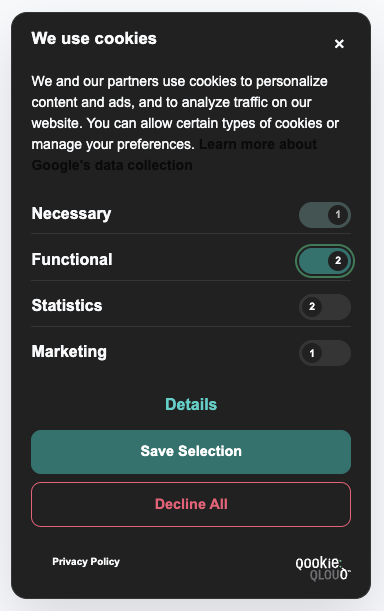
QookieQloud now supports separate light and dark mode styling, forced theme options, and dedicated mode logos for complete branding flexibility.
Read update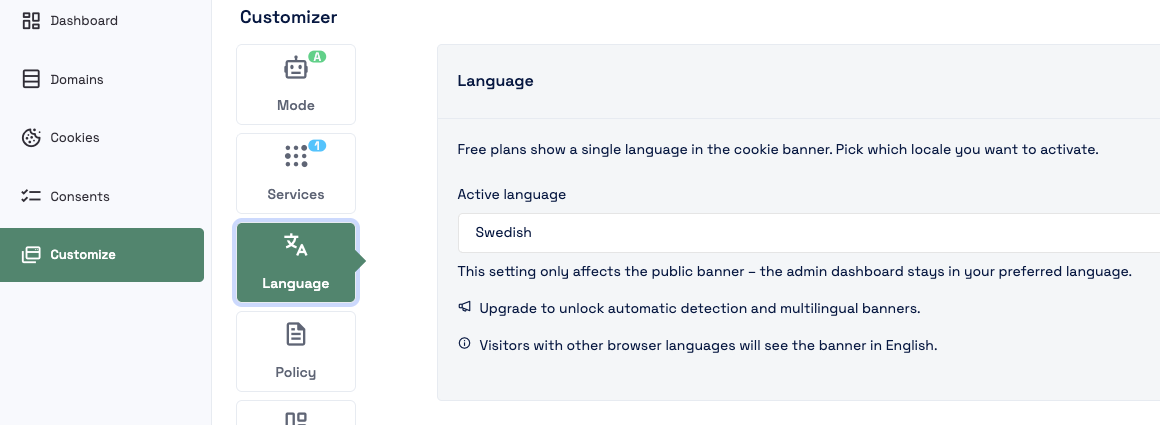
The QookieQloud Free Plan now lets you select your preferred banner language with automatic English fallback.
Read update
A full-width bottom banner layout designed for maximum readability, accessible button spacing, and traditional consent presentation.
Read update
A cleaner, faster, and more intuitive dashboard experience built to help you manage domains and consent settings with ease.
Read update
A sleek, space-saving banner layout available on the left or right, paired with an instant Live Preview in the Customizer.
Read update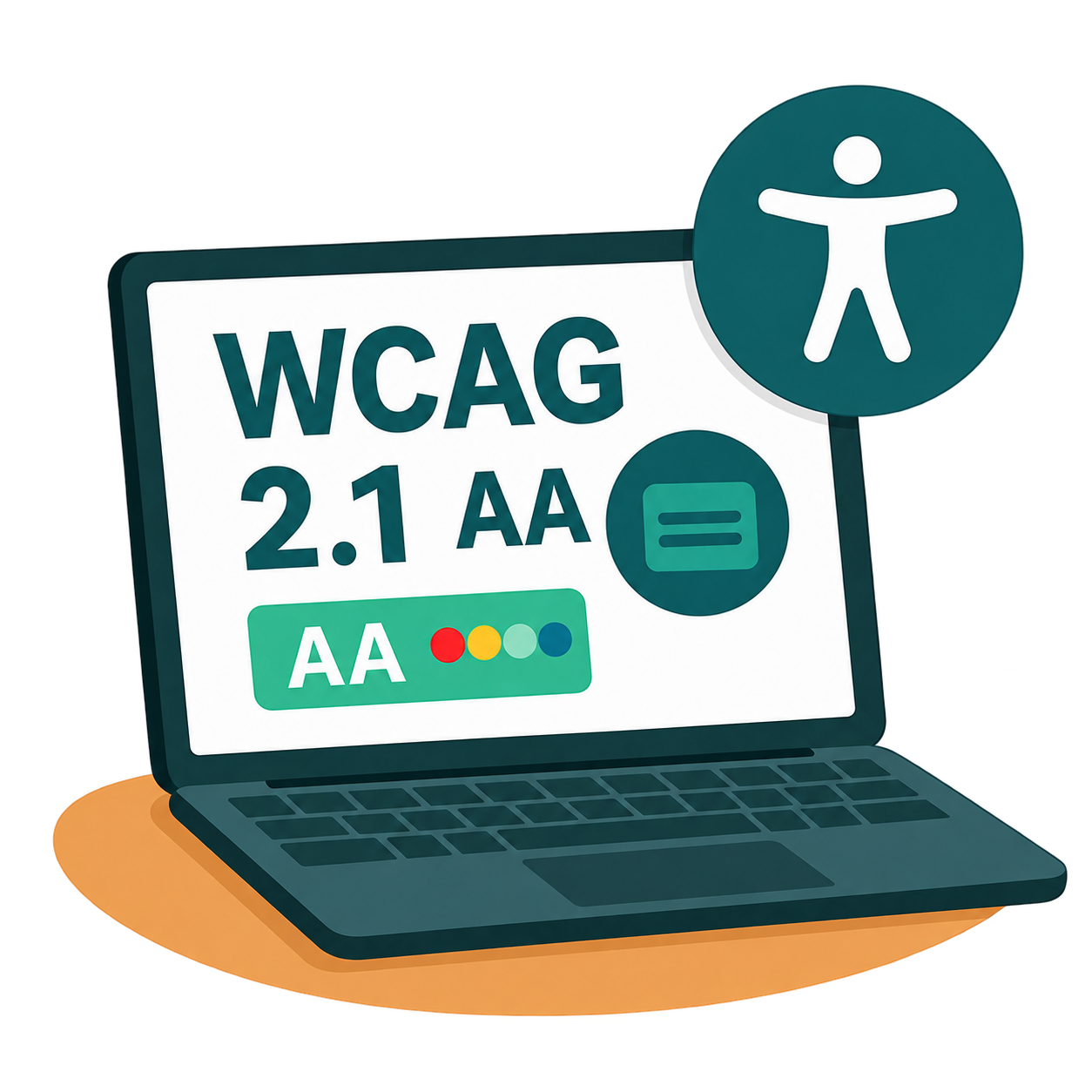
The QookieQloud™ consent agent is now certified WCAG 2.1 Level AA compliant, featuring a built-in contrast validator in the Customizer.
Read update
Marking one year of QookieQloud with a completely redesigned platform, expanded Help Center, and Google Consent Mode v2.
Read update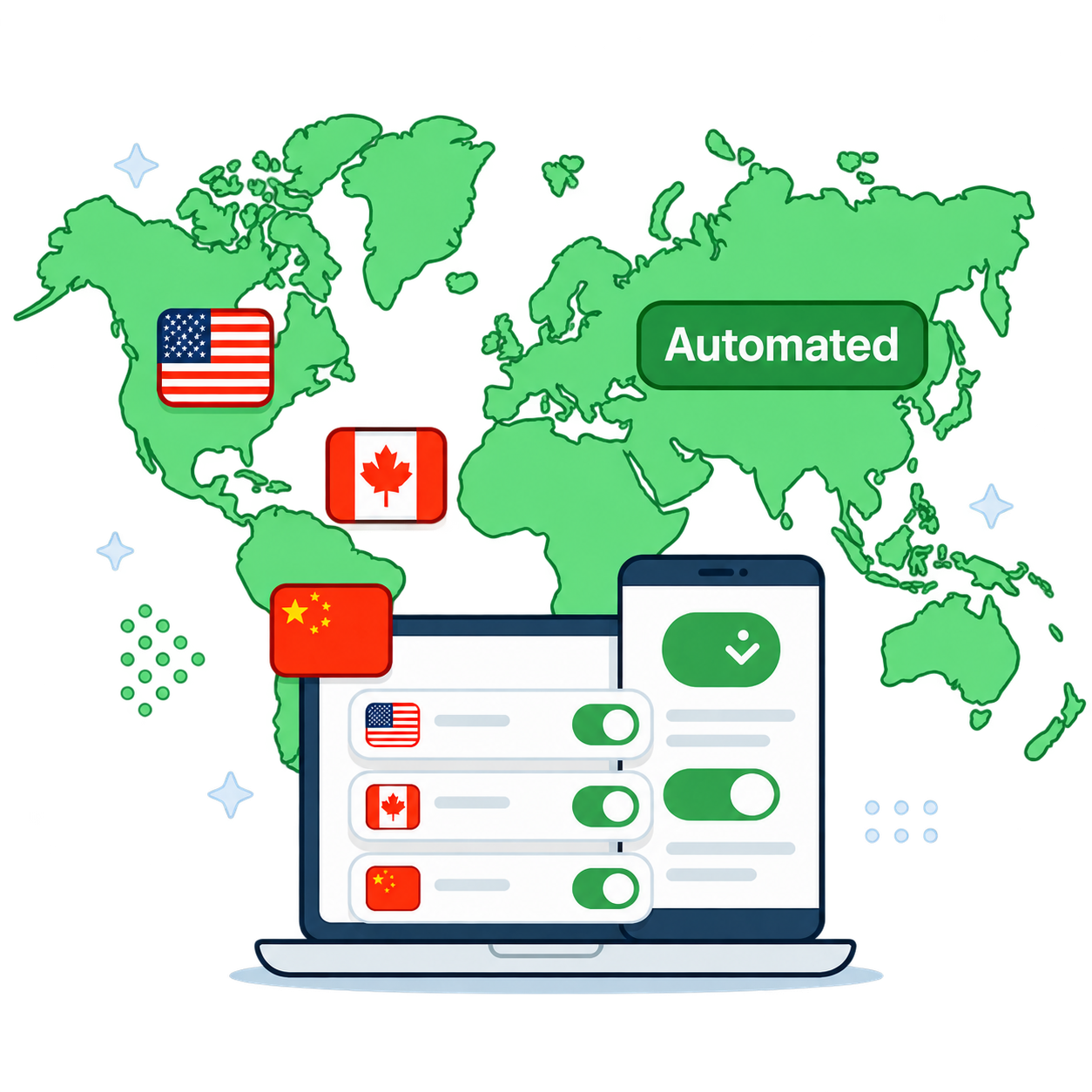
Automatically adapt consent rules by country with Auto Consent Mode and fine-grained Regional Overrides.
Read update
Native Google Consent Mode v2 integration ensures all Google tags respect user choices while enabling conversion modeling.
Read update